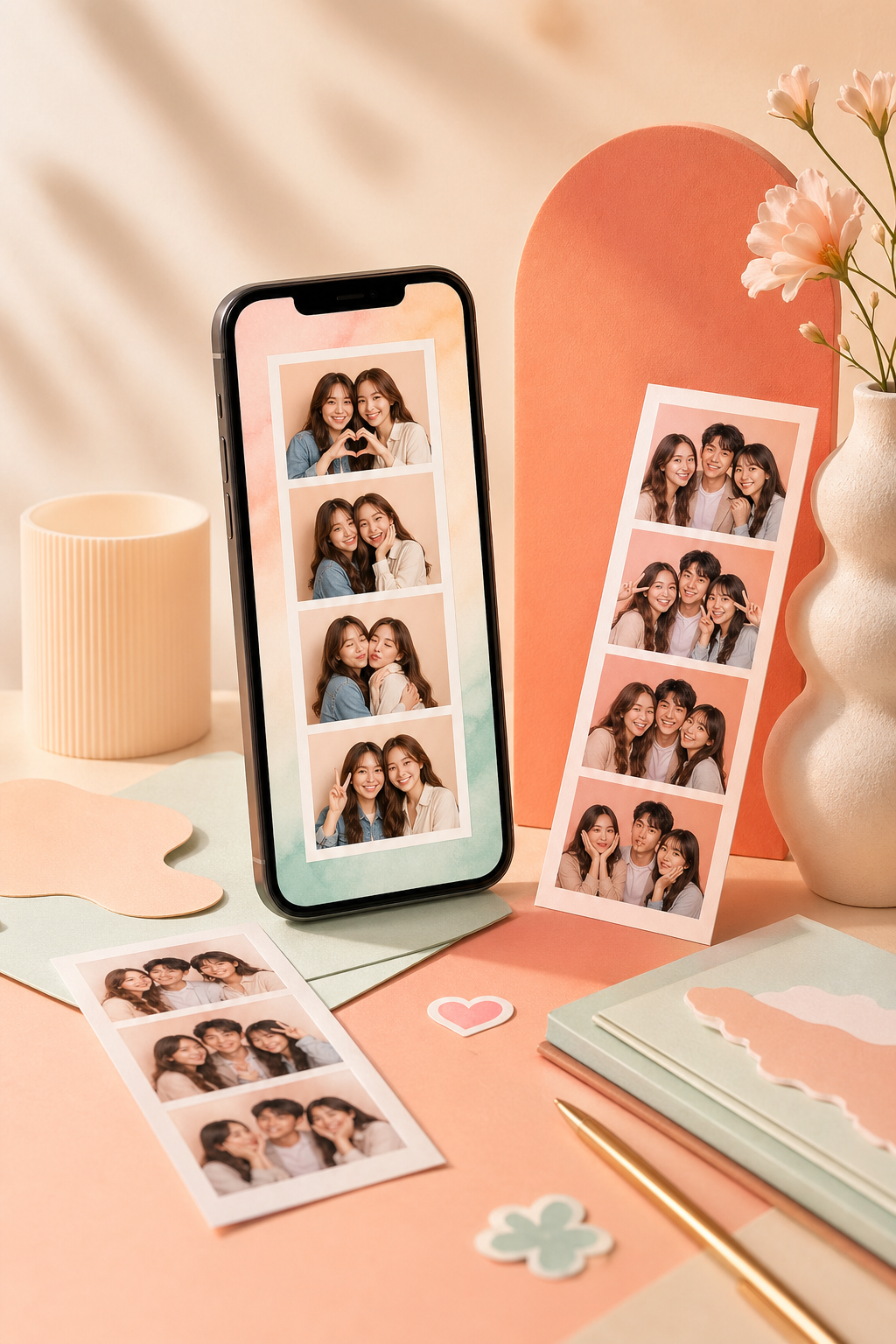
Camera + uploads
Capture live with your webcam or replace shots with uploaded photos when needed.
Online photobooth
DigiBooth is a playful, polished online photobooth with live filters, face-following effects, customizable photo strips, draggable stickers, and one-tap downloads.
Why DigiBooth
Use DigiBooth as a browser-based photo booth for parties, creator content, events, date nights, classrooms, or personal keepsakes. It combines webcam capture, uploads, filters, layouts, text, and instant exports in one responsive experience.
Capture live with your webcam or replace shots with uploaded photos when needed.
Apply Snapchat-style heart crowns, star halos, and playful overlays that follow the face.
Choose classic vertical strips, grids, or collage layouts, then export for sharing or printing.
How It Works
Choose how many shots you want and whether the strip feels classic, square, or editorial.
Use the built-in countdown, switch filters, and add face effects before each shot.
Adjust colors, borders, stickers, shapes, fonts, and captions for a polished final strip.
Export a ready-to-share PNG or JPEG, replay the capture moment, or print the layout cleanly.
FAQ
No. DigiBooth runs in the browser, so users can create strips online without installing software.
Yes. The layout is responsive for phones and tablets, with touch-friendly capture and editing controls.
Yes. The final export is designed for clean PNG or JPEG downloads and a print-friendly preview.
Booth Inspiration
The best online photobooths feel social even before the first snapshot. DigiBooth is built for living rooms, parties, pop-up events, creator desks, and casual celebrations where you want quick photos that still look polished.
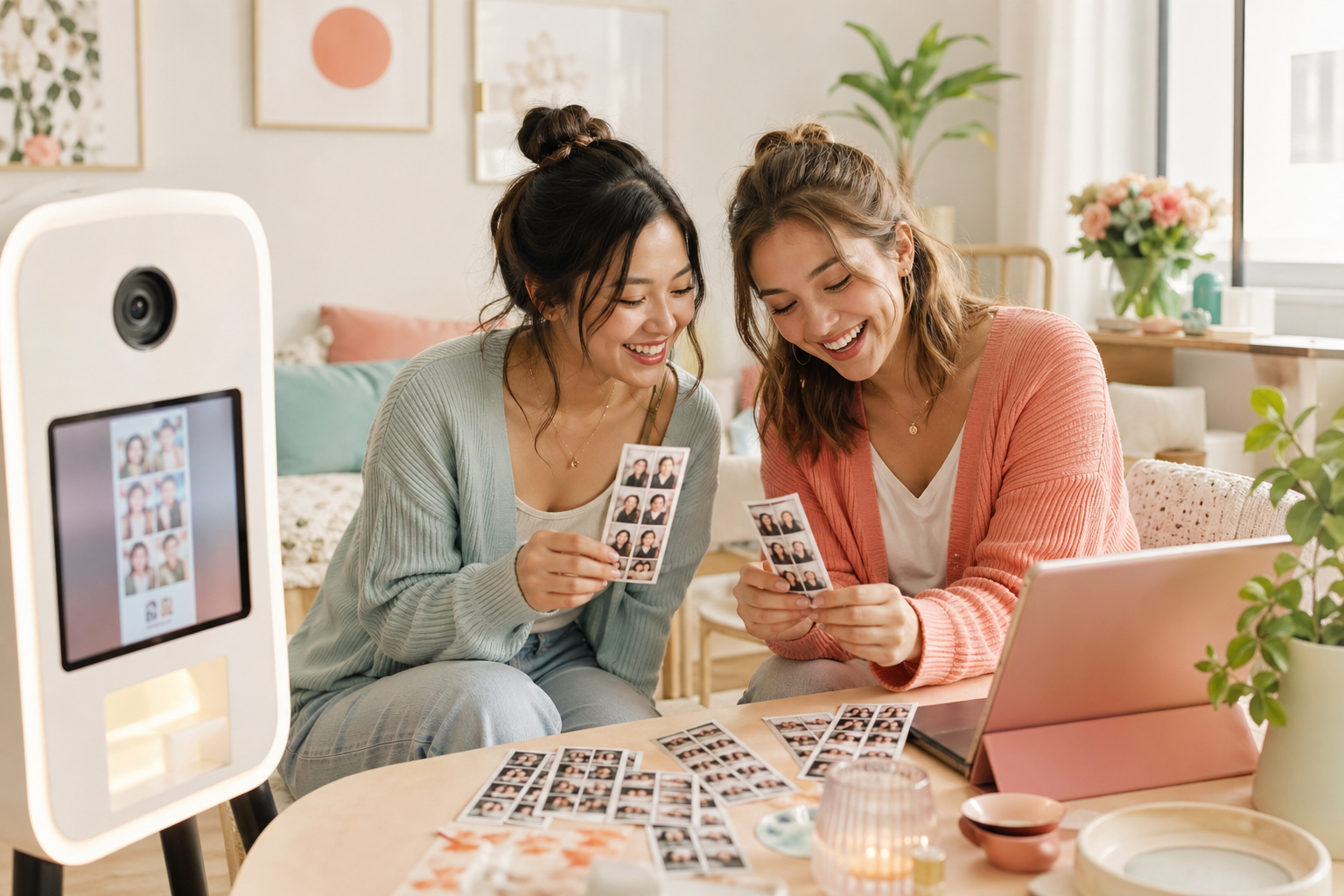
Turn a laptop, tablet, or phone into a playful booth station without installing an app.
Use clean layouts, captions, and filters that make each strip feel ready for posting or printing.
Guests can capture, retake, and download instantly so the booth stays light, fast, and fun.
Photo Booth Tips
Small setup choices make a big difference. These tips help DigiBooth produce sharper captures, more flattering lighting, and downloads that look better on phones, social posts, and paper.
Face a window or lamp instead of putting the light behind you so the camera keeps faces bright and even.
A stable camera angle helps filters and face-following effects lock on more reliably across every shot.
Extra space around the head and shoulders keeps stickers, captions, and print crops from feeling cramped.
PNG works best for crisp digital sharing, while JPEG is useful when you want a smaller file for fast sending.
Pick the strip style that fits the mood. The number of shots updates automatically.
Use the live camera or upload images. Your selected filter applies before each capture.
Capture Studio
Camera preview will appear here.
Choose a layout, allow camera access, then capture each frame with a countdown.
Phone Camera
Open this booth on your phone, allow the rear camera, and the live feed will appear above.
Open phone camera linkSession loading...
Fine-tune the paper color, caption, and extras while keeping the strip clean, square, and print-ready.
Frame
Classic photobooth strips stay square with a single paper background around the photos.
Photos
The strip and every photo stay square so the preview matches the exported file.
Stickers
Caption
Your final strip is ready for download, printing, and quick sharing.
Final output
Download
Share
Your strip stays editable until you start a new one or refresh the page.
Coming soon
This build is ready for a future QR download or backend sharing link.